Pushing models to databases
SQL Push
The "SQL Push" extension allows you to push changes made in your model to a direct connection.
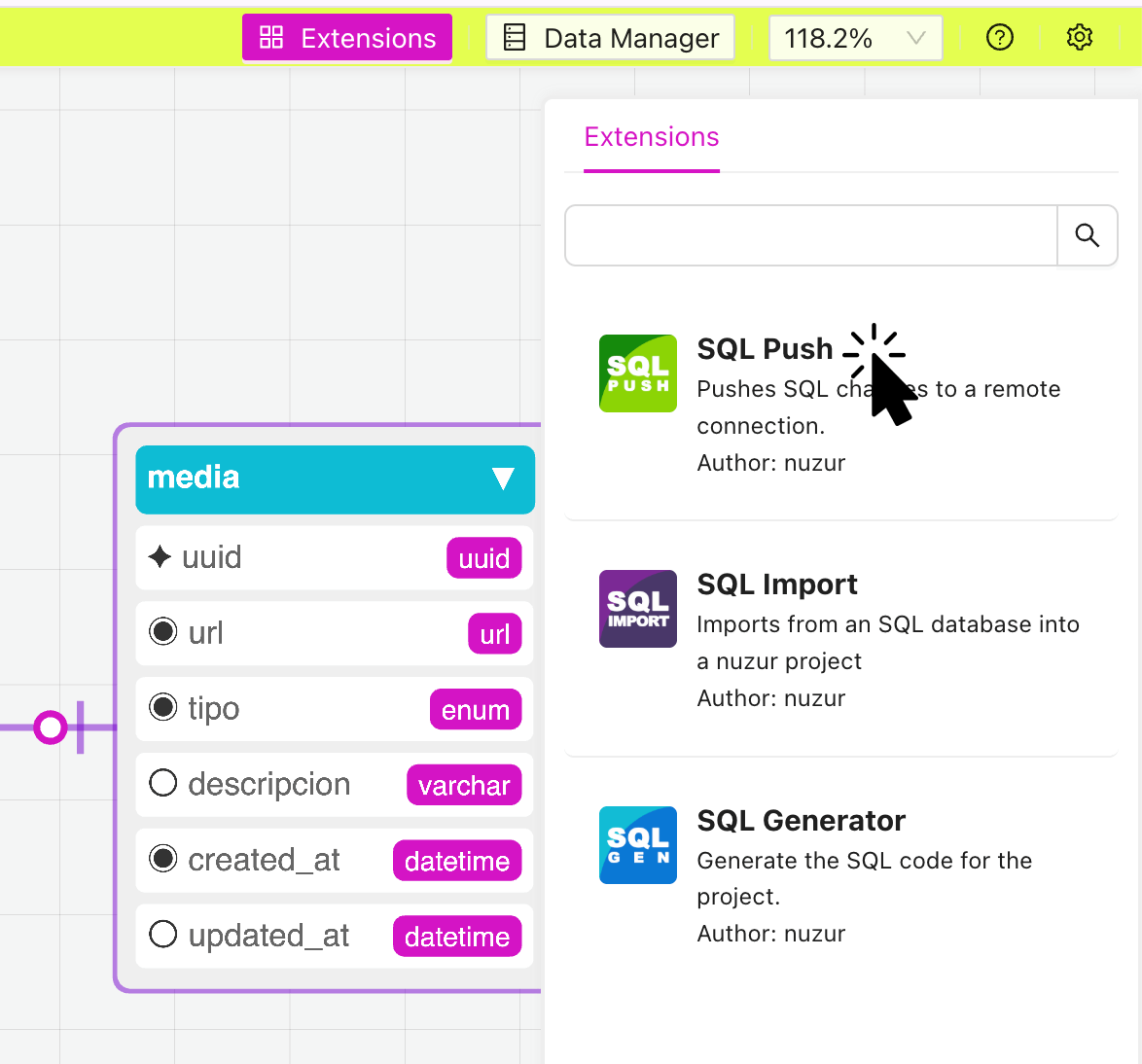
In the extensions panel, click on the "SQL Push" extension:
A modal window will appear, you will need to provide the connection details to start.
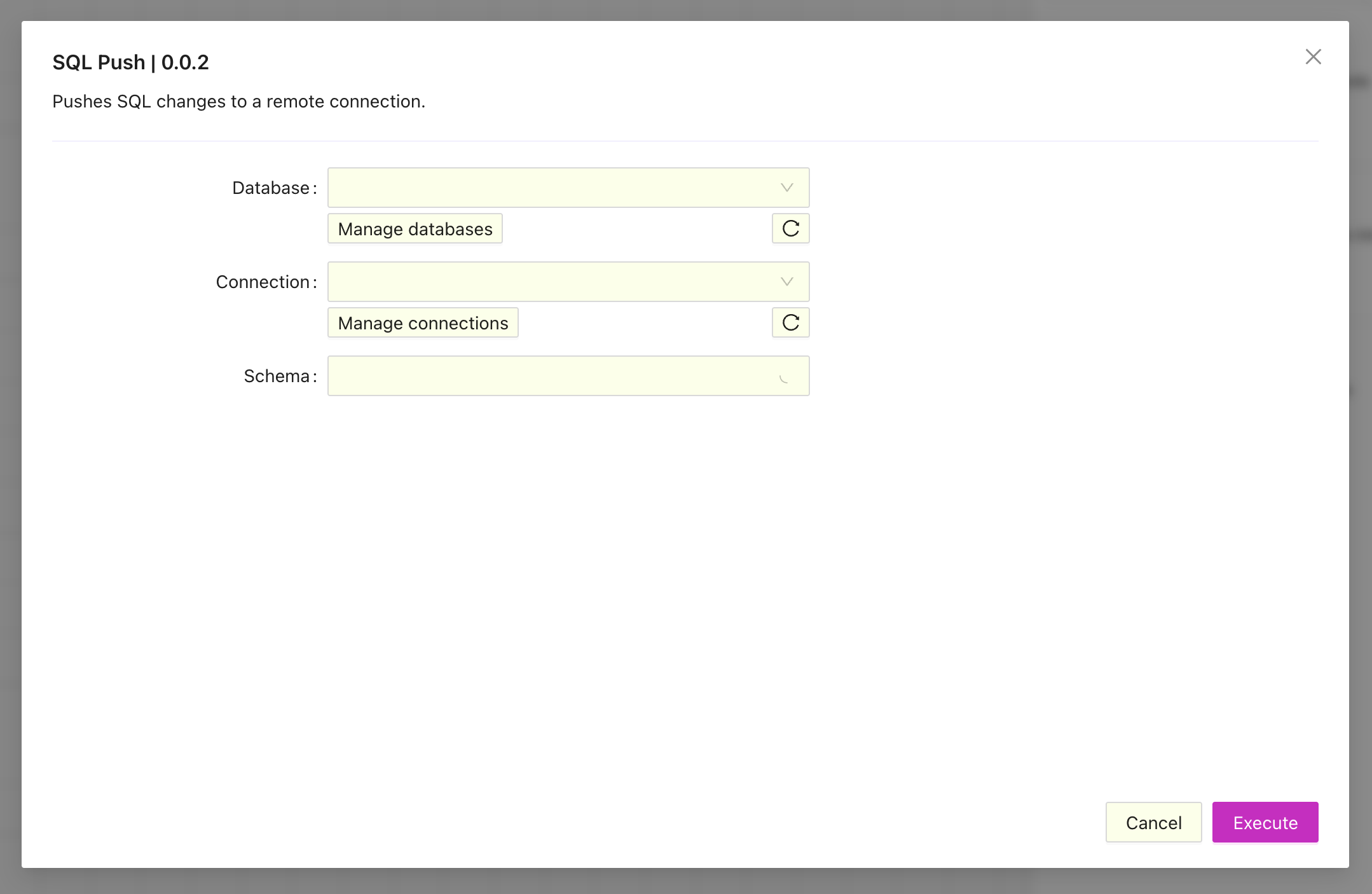
The extensions use the databases and connections defined at the team level of the project, if you haven't defined them yet the these a button that will take to manage your databases and connections.
Once the database and connection are selected, the available schemas will be fetched and you will be able to select one of them.
The extension will then compare the model and the database schema and will display the SQL changes (if any) that need to be applied for them to be in sync.
Once you review and approve the changes they will applied to the direct connection.