Connecting to databases
Connect to a database
The Data Manager works with two kinds of connections:
- Direct — a hosted or managed database that nuzur can reach directly over the open network. Direct databases are defined at the team level.
- Via agent — a self-hosted database connected through the nuzur local agent, which runs on your own computer or on a server (VPS). The agent dials out to nuzur, so the database is never exposed to the internet.
A database you deployed with nuzur-cli deploy is reached through its agent, so it appears under Via agent. An empty Direct list is normal in that case and does not mean the database is unconnected.
When you open the data manager for a project for the first time:
- If you have exactly one connection (direct or via agent), it is selected automatically.
- If you have several, you are asked to pick one — the dialog lets you switch between the two connection modes.
- If you have none, you'll see instructions for adding a direct database or setting up a local agent.
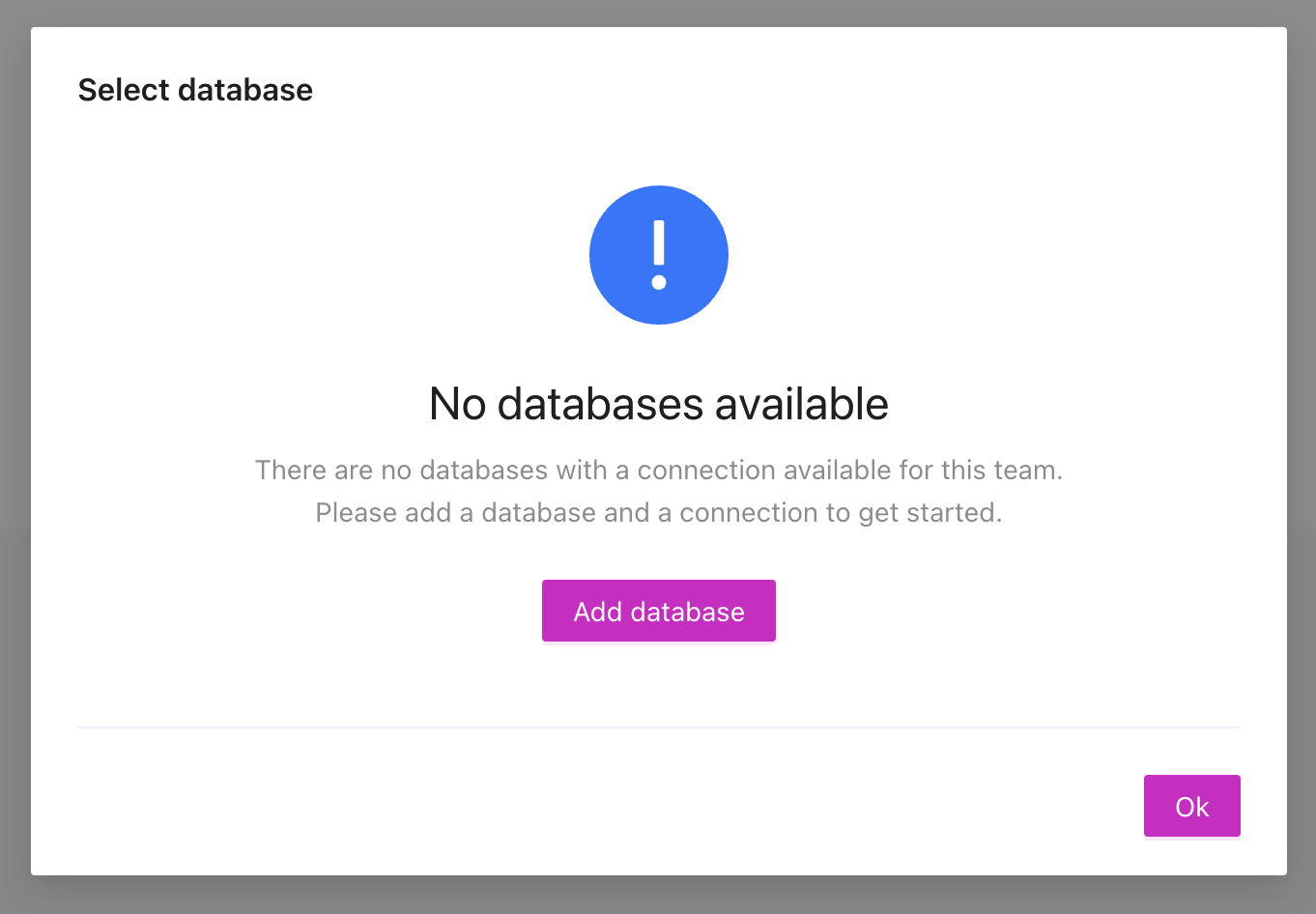
You can change the active connection at any time from the connection button in the toolbar:
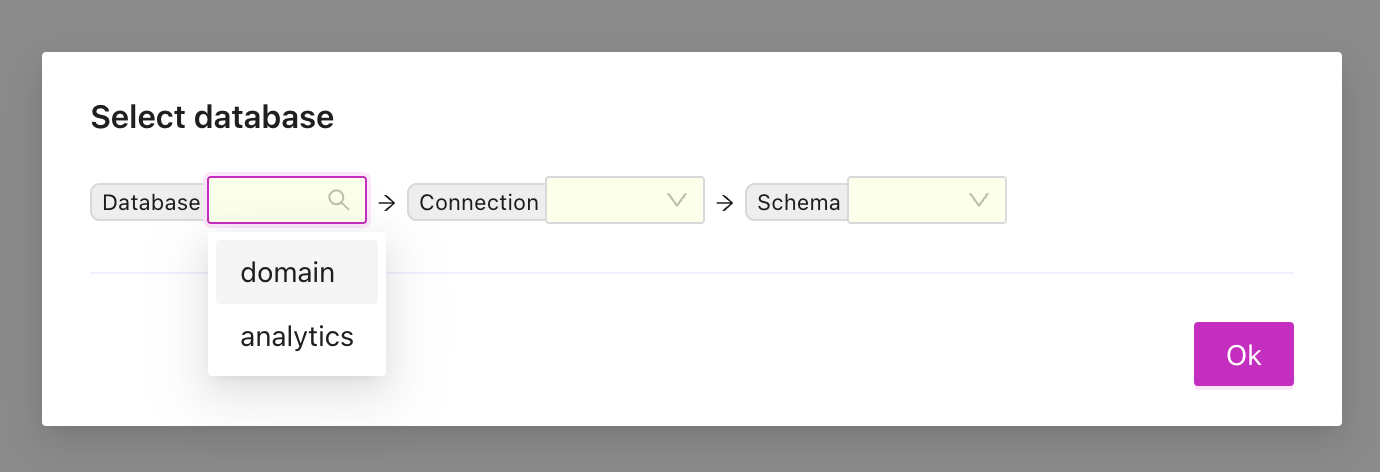
Managing direct databases
Under the team settings there is a section to manage databases.
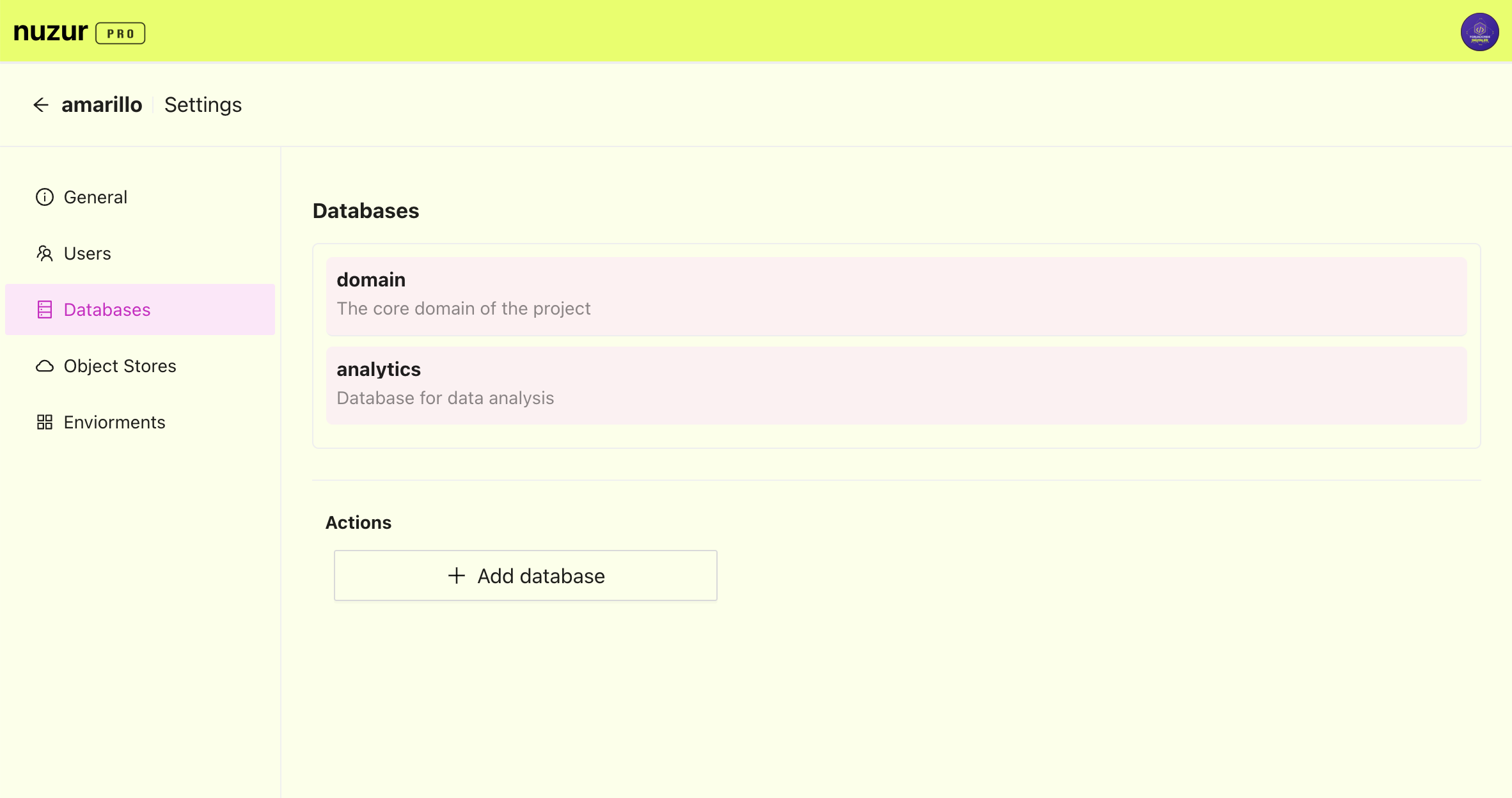
A database can contain multiple connections, say for example a database to manage users, might have multiple connections in different data centers, so after creating a database by providing a unique id and a description you will be prompted to add a connection:
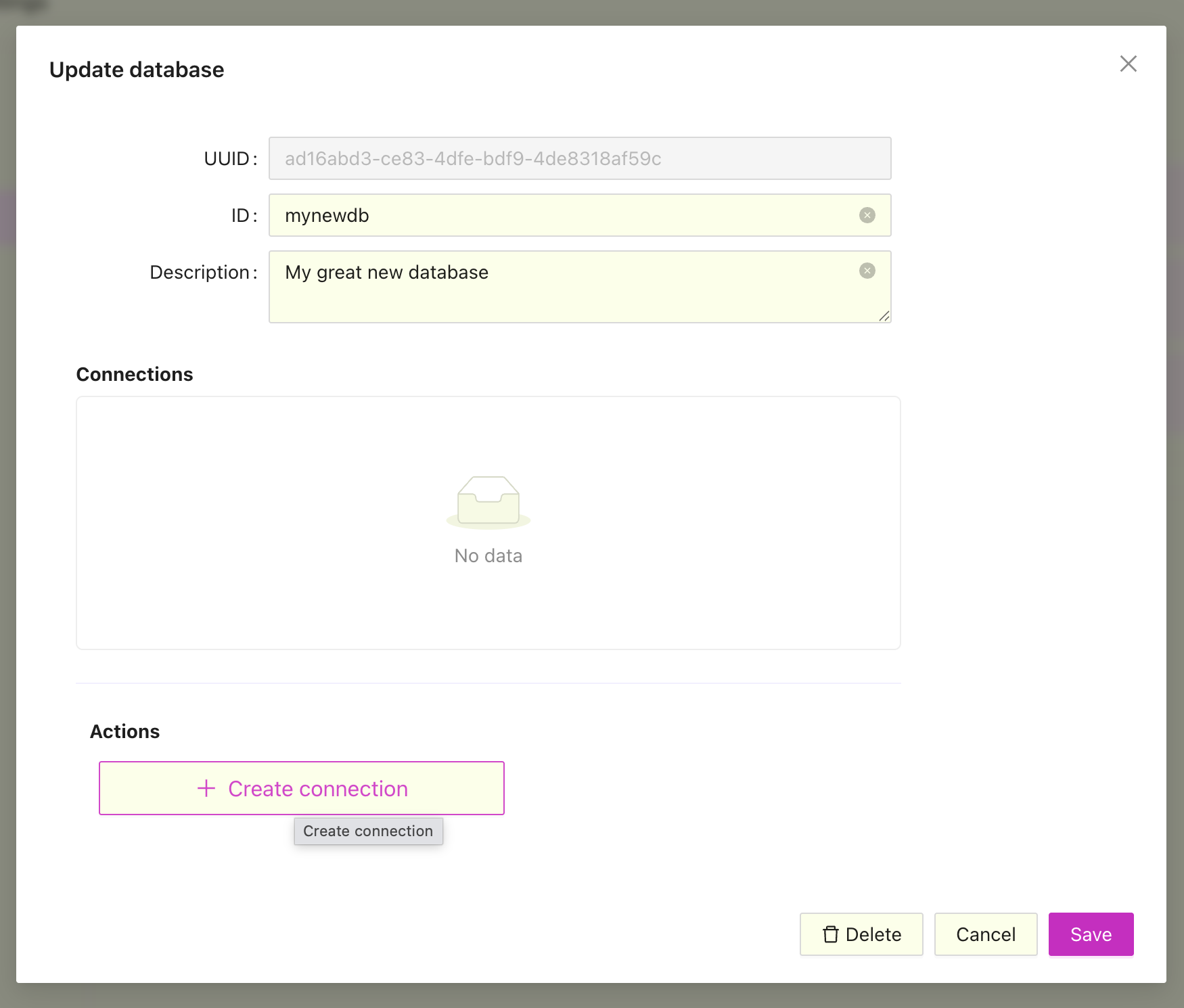
Fill in the connection details for your database and connection types, you will be able to test the connection after adding it:
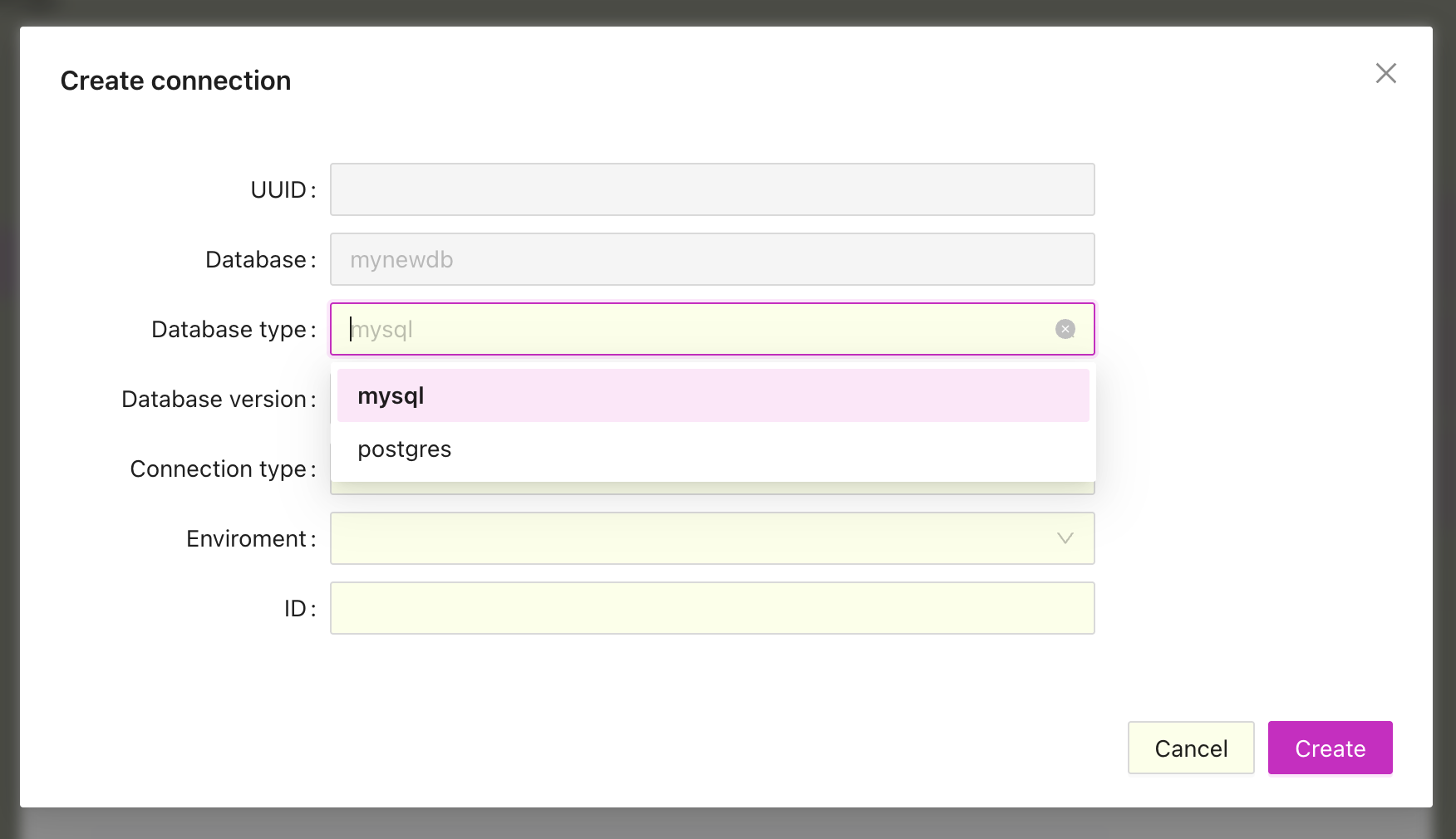 Currently supported database types:
- MySQL
- Postgres databases
Currently supported connection types:
- Standard TCP/IP
- Standard TCP/IP over SSH