Creating a new team
Create a team
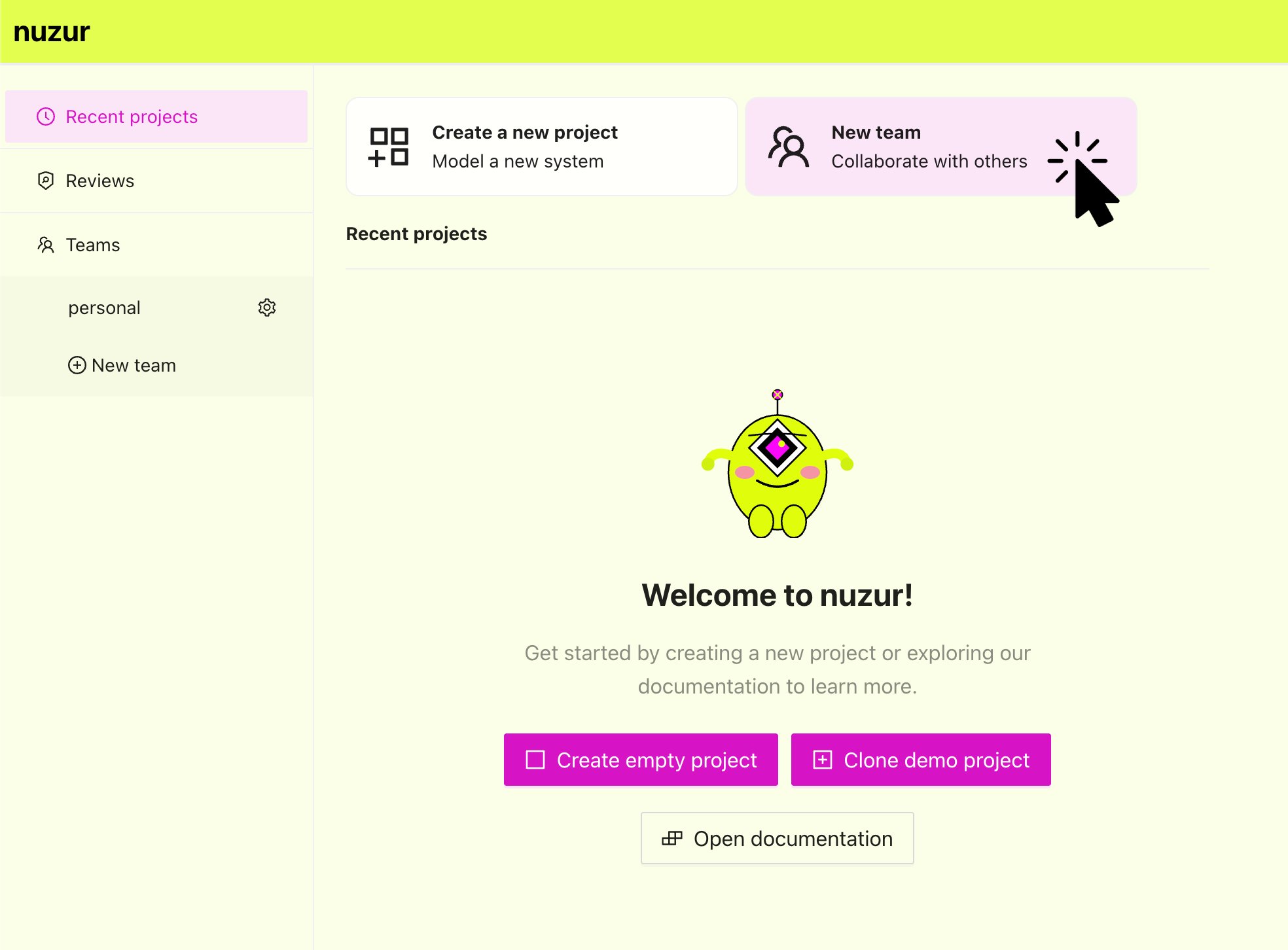
To create a new project in nuzur, go to app.nuzur.com in the home screen right at top and click on the button "New team":
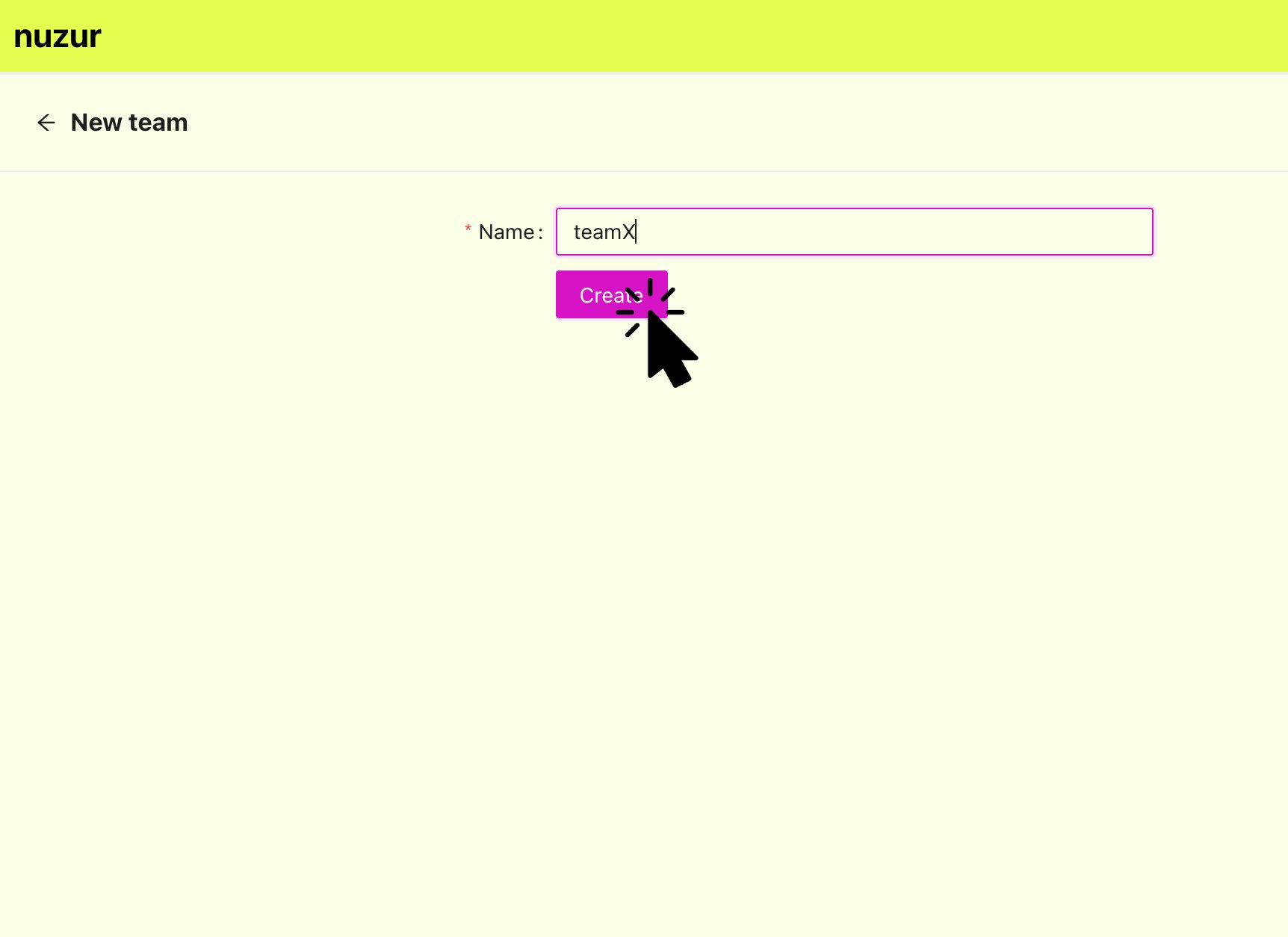
Type in a name for your team and click on the "Create" button, if successful you will be redirected to the team settings.