Importing existing schemas
SQL Import
The "SQL import" extension allows you to import an existing database schema into the editor to visualize and edit.
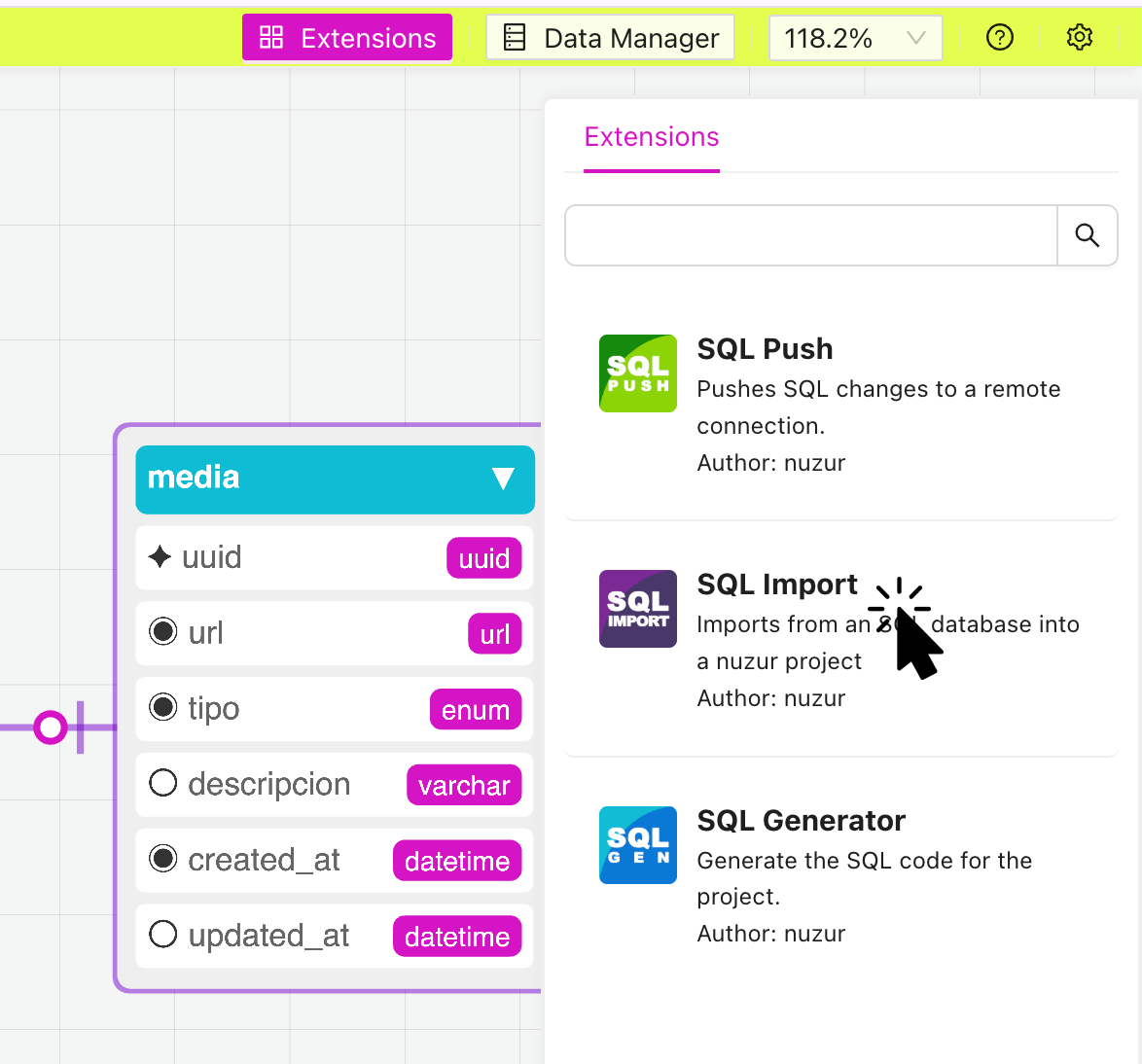
In the extensions panel, click on the "SQL Import" extension:
A modal window will appear, you will need to provide the connection details to start.
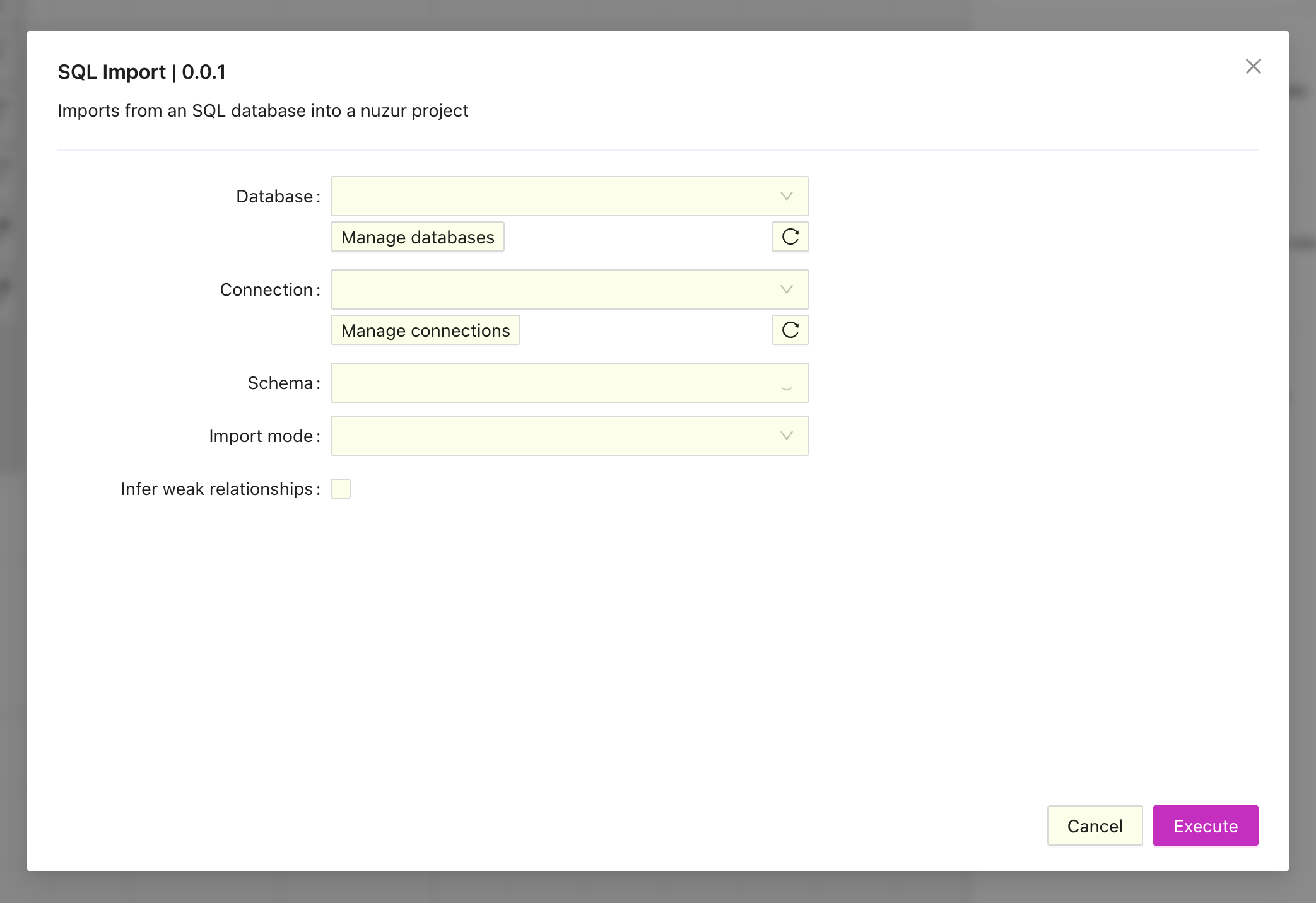
The extensions use the databases and connections defined at the team level of the project, if you haven't defined them yet the these a button that will take to manage your databases and connections.
Once the database and connection are selected, the available schemas will be fetched and you will be able to select one of them.
As for import mode there are three options available:
- Replace existing matching entities: In this mode the extension will look for an existing entity with the same name and will replace it with the values from the direct connection, other entities will be left intact.
- Merge existing matching entities: In this mode the extension will try to merge the fields of the existing entity with the same name, other entities will be left intact.
- Discard all existing entities: In this mode, all the current entities will be discarded and replaced with the entities from the direct connection.
If enabled, the infer weak relationships option will look for fields in the other entities where the identifier of the field is the others table name and the key field identifier. For example:
Suppose we have two entities, "user" and "post". If the entity "post" has a field called "user_uuid" and there is no constraint at the database level, the extension will create a weak relation between "user" and "post" if the the field "uuid" is key in user.