Managing entities
Entities
The editor supports two types of entities:
- Standalone: exist on their own and are usually represented by a table (when dealing with relational databases)
- Dependant: only exist as part of a Standalone entity and are represented as either a JSON object or array (based on the cardinality)
Entities are composed of fields, each field has a type and might have type specific validations. The field validations will be used when managing the data or when using certain extensions.
Checkout the supported field types here
Adding an entity
To add an entity click on either the standalone entity icon (dark blue) or dependant entity icon (light blue) and then click again wherever you would like the entity to be added.
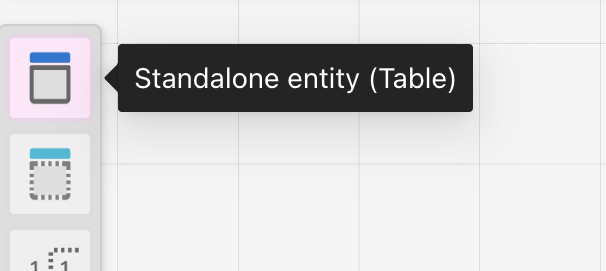
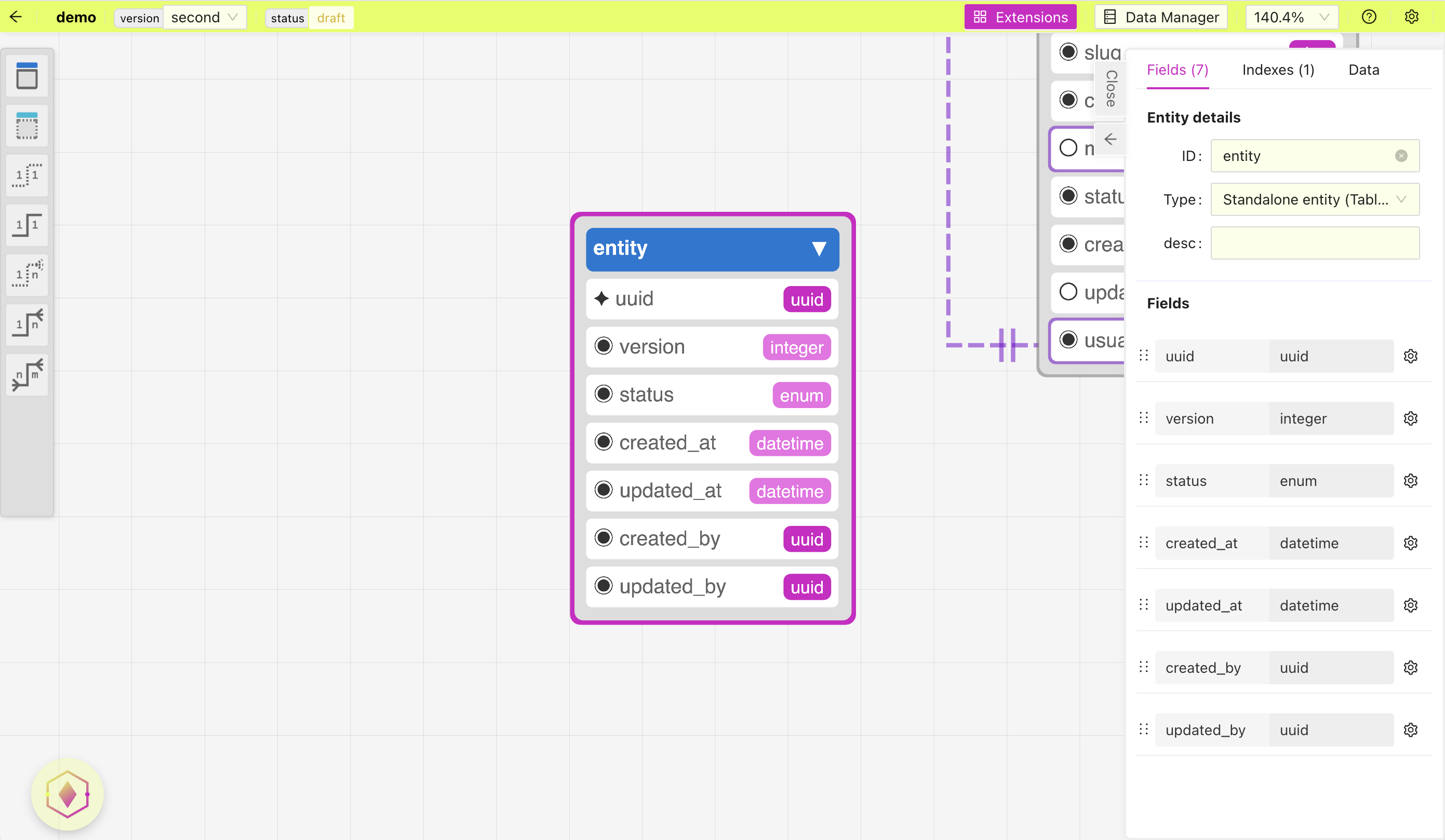
Once the entity is added double click on it to edit the details and fields:
Adding a field
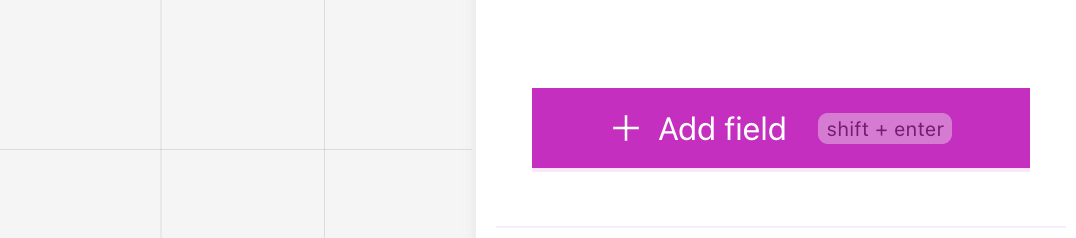
To add field make sure the entity details is open by double clicking on the entity, then you can add a field by scrolling down and clicking on the button "Add field" or using the keyboard shortcut "shift+enter"
Deleting a field
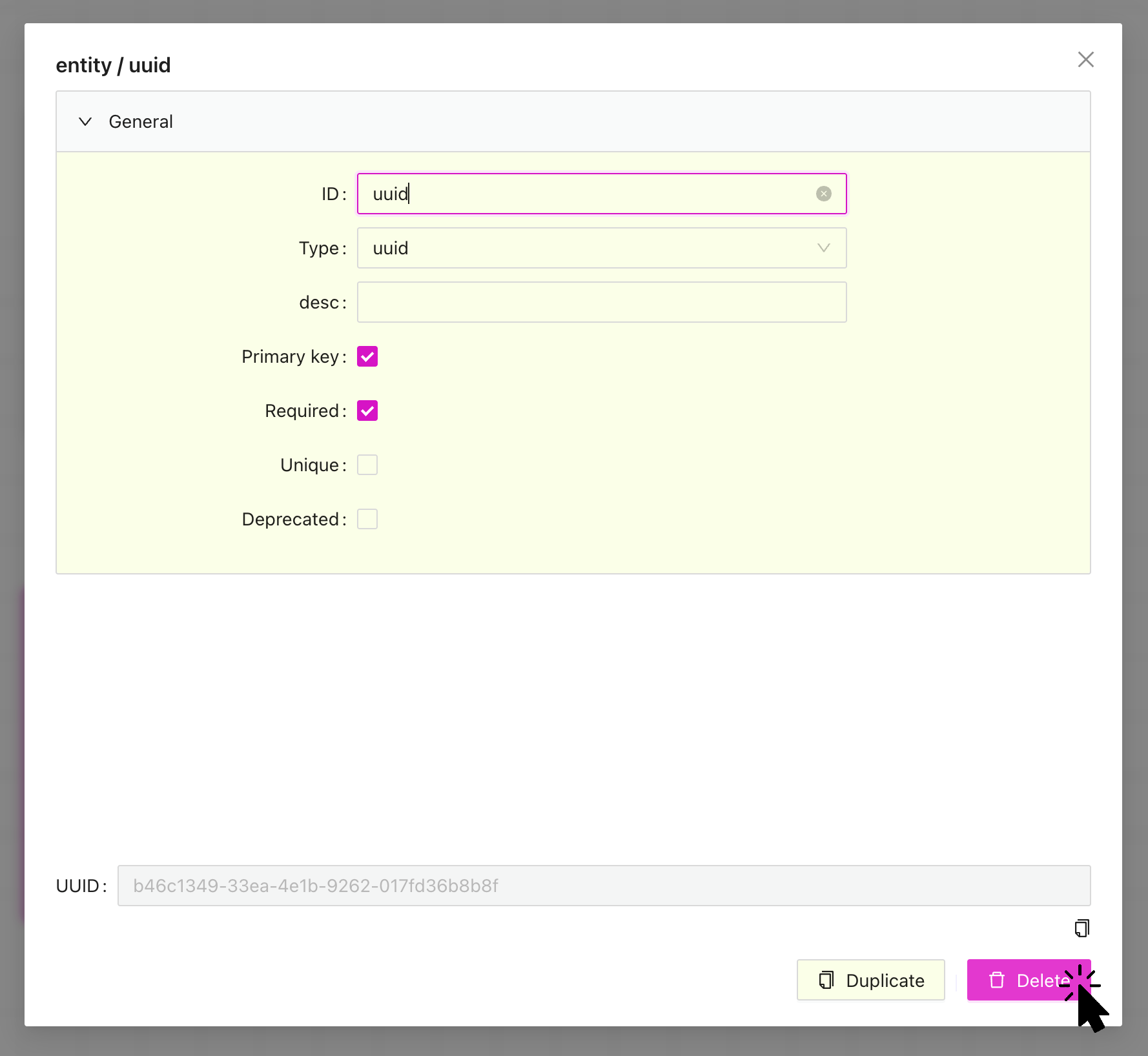
To delete a field, you click on the settings icon in the entity details and then click on the "Delete" button in the bottom right corner. Or double click on the field in the diagram it will directly open the field settings and then lick on the "Delete" button in the bottom right corner
Deleting an entity
Deleting an entity can be done in two ways, you can select the entity in the diagram and hit "delete/backspace" on your keyboard or by double clicking on the entity and then in the entity details scrolling down to the bottom and click on the "Delete" button.