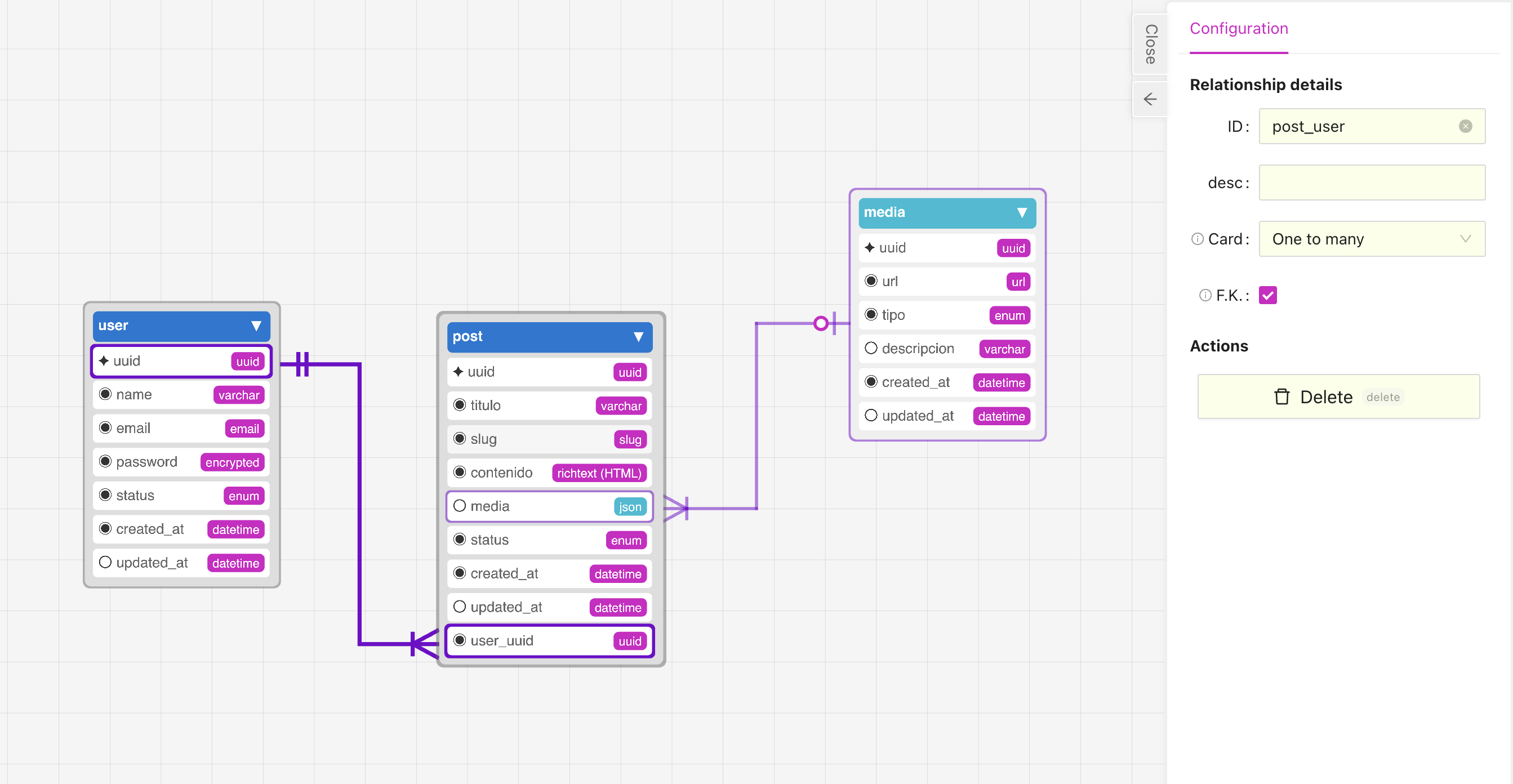
Managing relationships
Adding a relationship
To add a relationship in the editor click on one of the relationship icons in the toolbar.
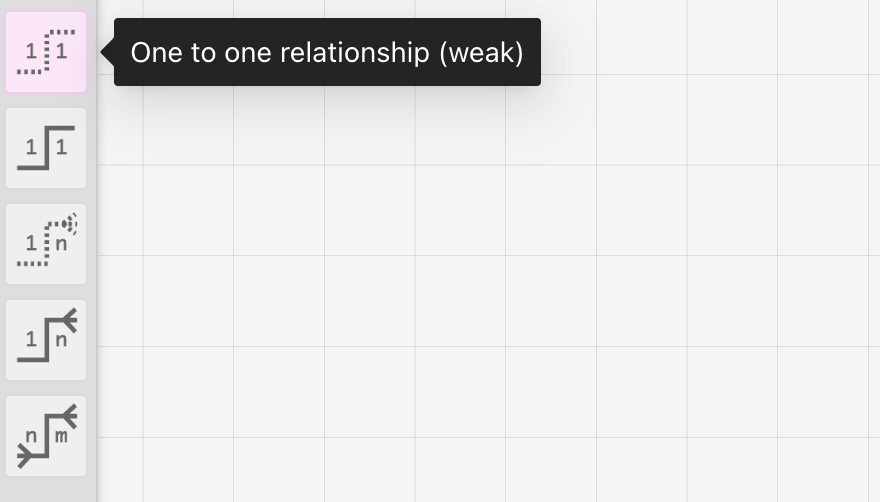
Click first on the entity name you want the relationship to go "to" and then click on the other entity you want it to be "from".
This will add a new field on the "to", with the exception of the many to many relation that will create a new entity.
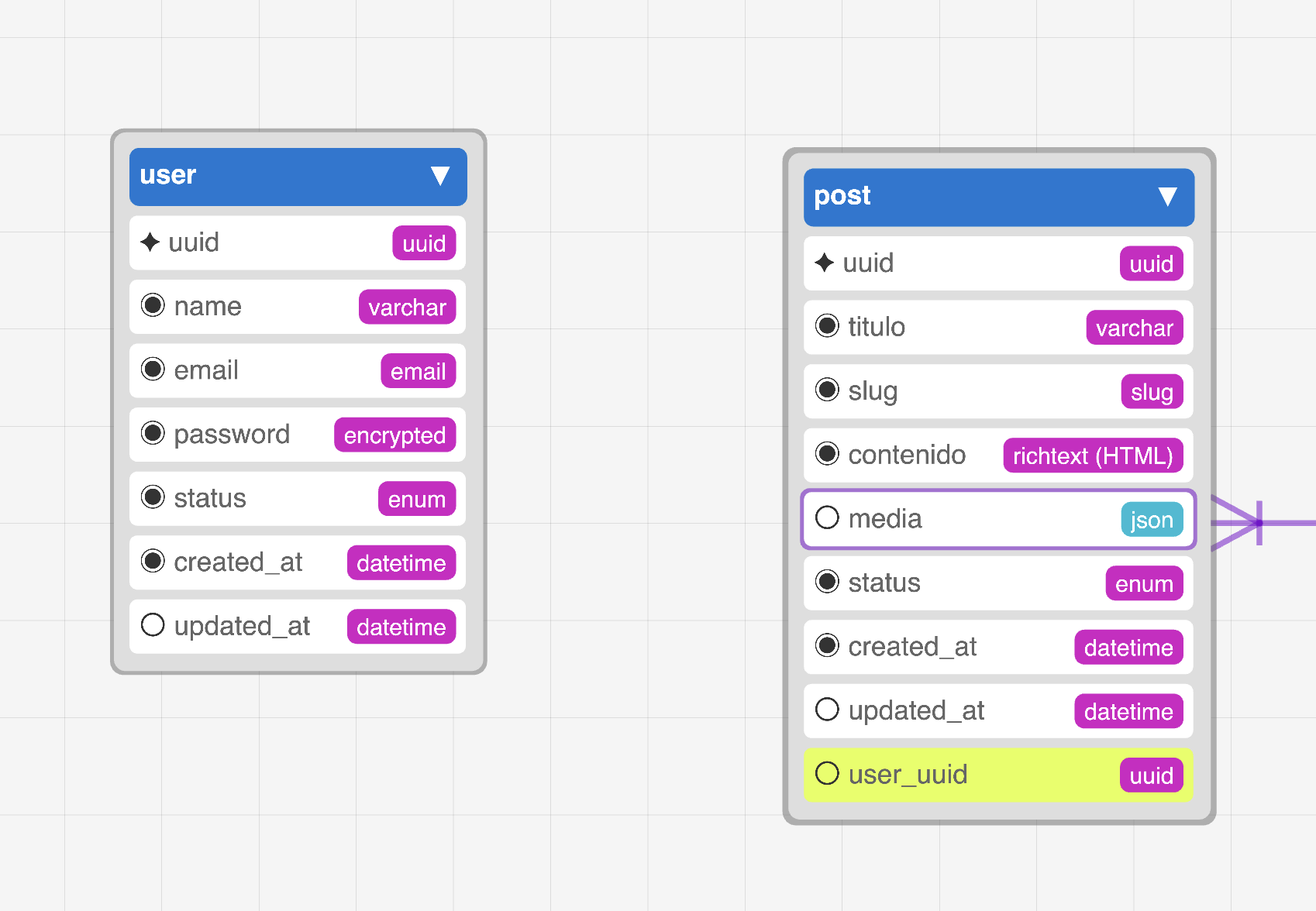
If you would like to use an existing field for your relationship, when creating the relationship click on the field instead of the table name, the field should be highlighted in yellow.
 You can double click on the relationship to edit it's details.
Deleting a relationship
To delete a relationship select the relationship in the editor then hit "delete/backspace" on your keyboard, or double click on the relationship to open the details panel and then click on the "Delete" button.