Sharing projects and teams
Sharing a project
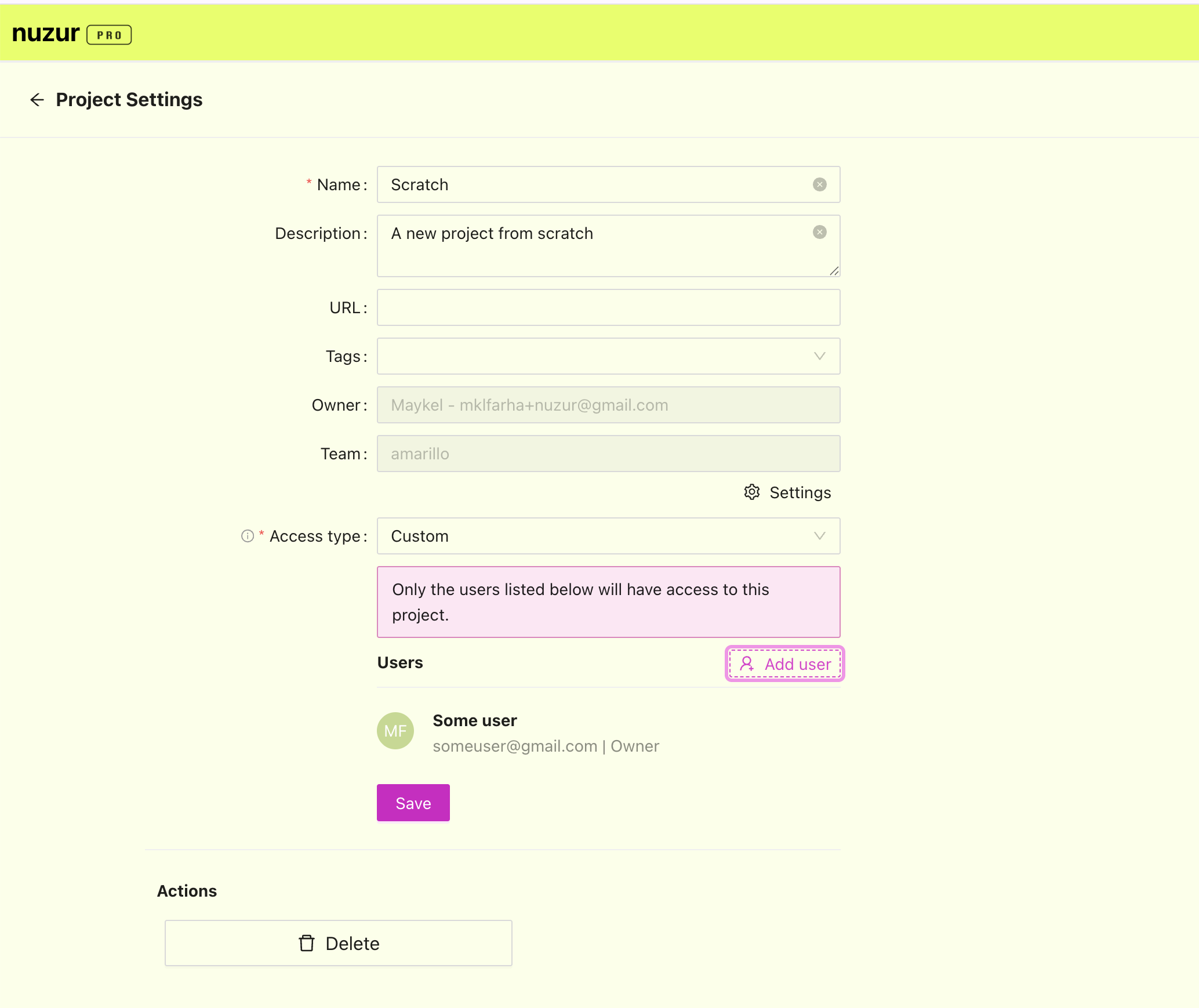
To share a project with someone, go to the project settings and click on the "Add user" button
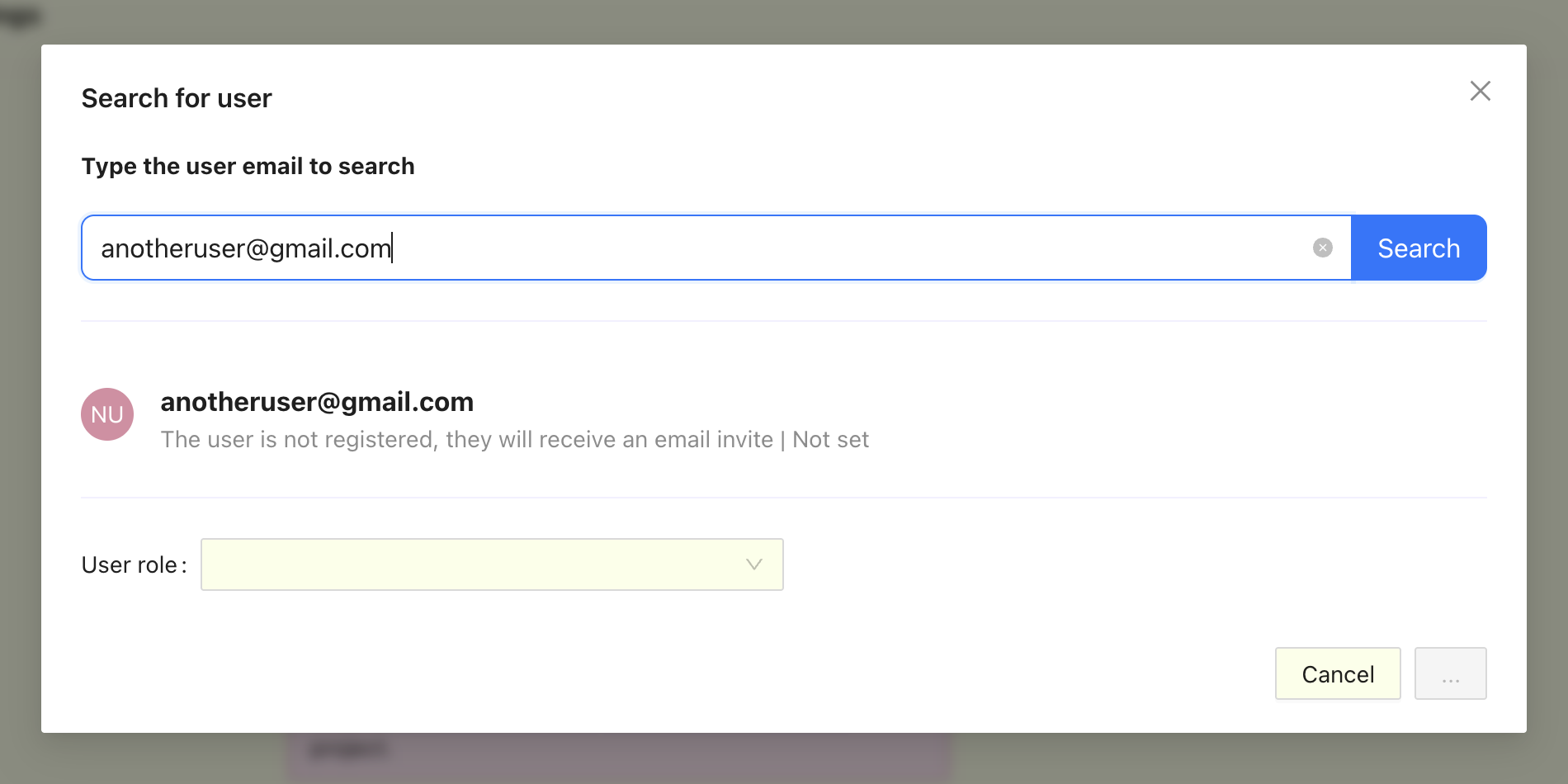
A popup will appear, type the user email and click on "Search":
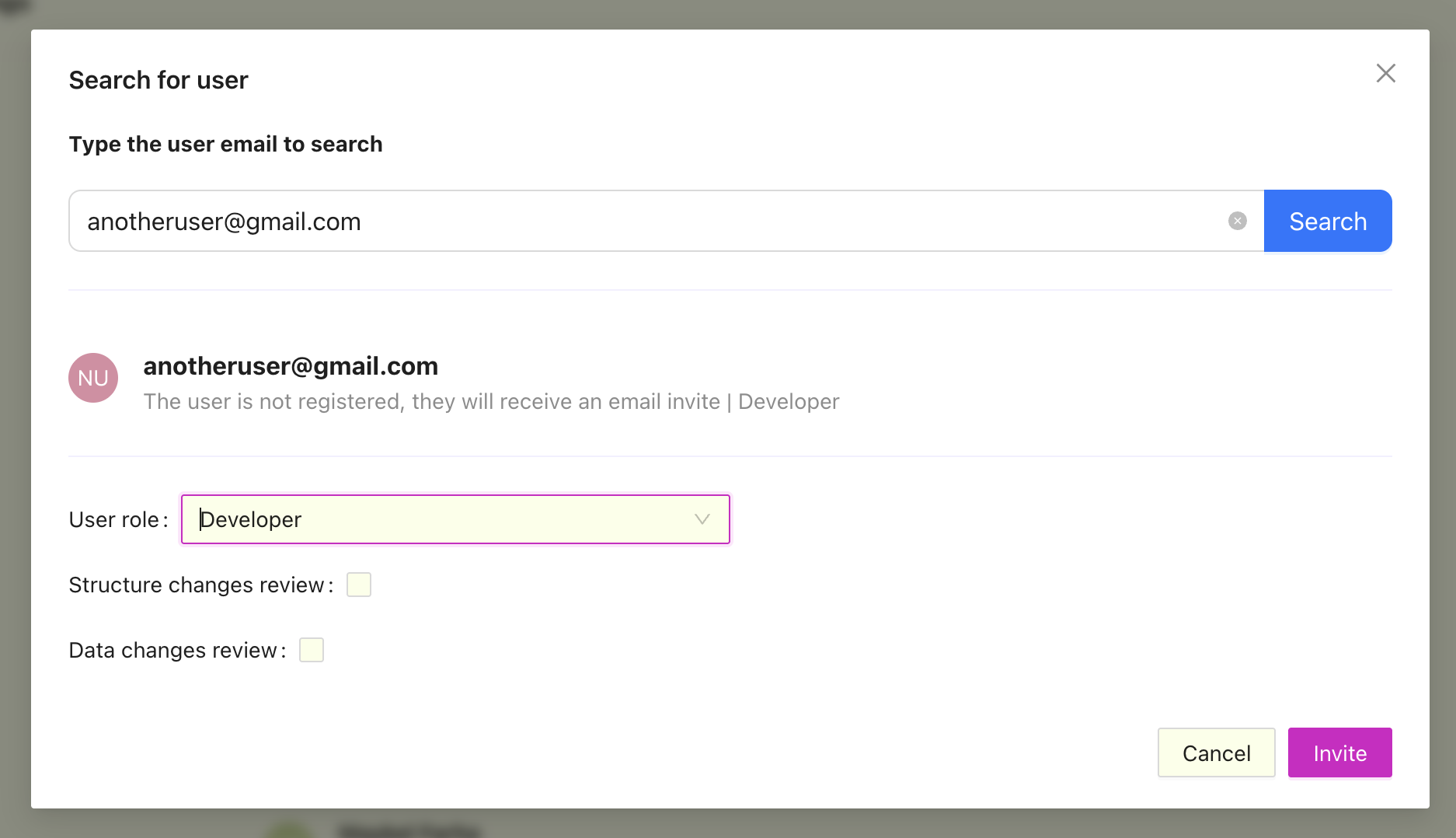
Select the user roles, check the boxes if you would like to force reviews for the user (if applicable), if the user already has a nuzur account they will be added automatically, otherwise they will receive an email with an invitation to sign up.
Sharing a team
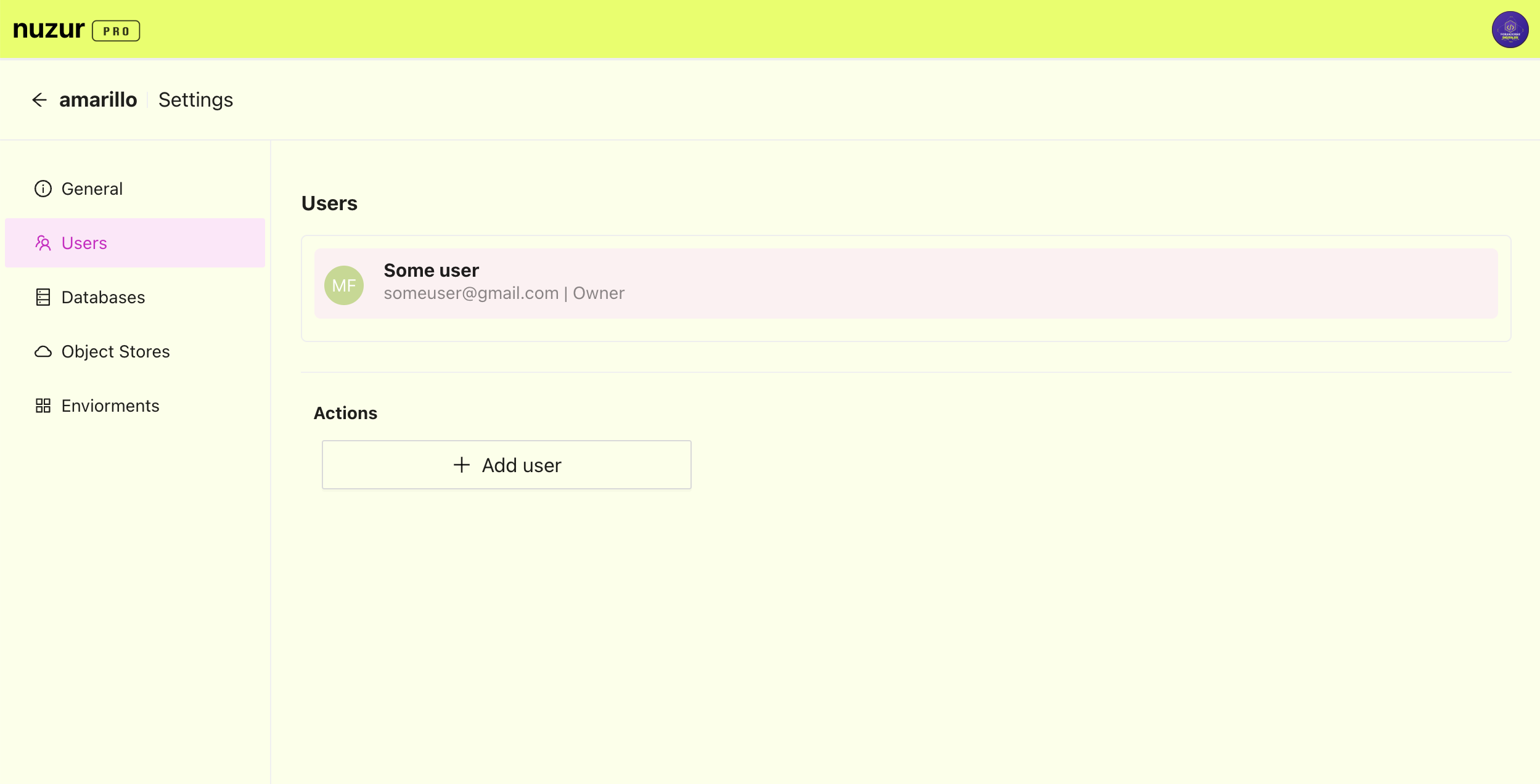
Sharing a team is very similar to sharing a project except it is done at the team level, this mean that all projects in the team that inherit the access from the team will be available to the user.
To share a team with someone go the team settings, under the user settings click on the "Add user" button and follow the same steps as the section above.