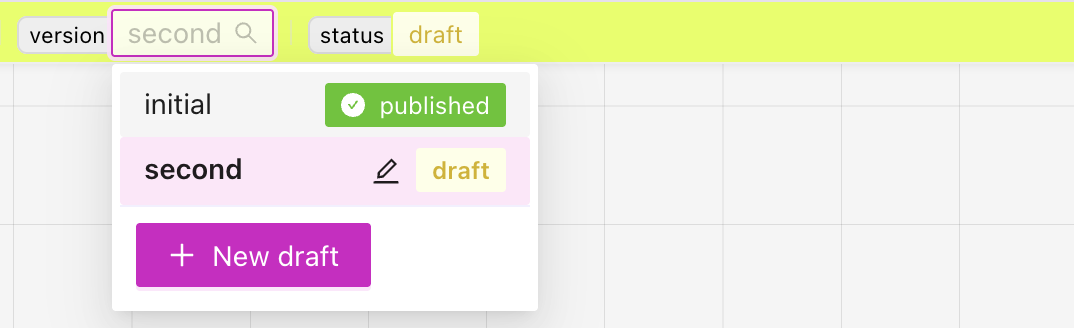
Managing model versions
Model versions
The model editor uses versions to help keep track of changes, specially when making major changes, versions allow to switch back and forth if needed.
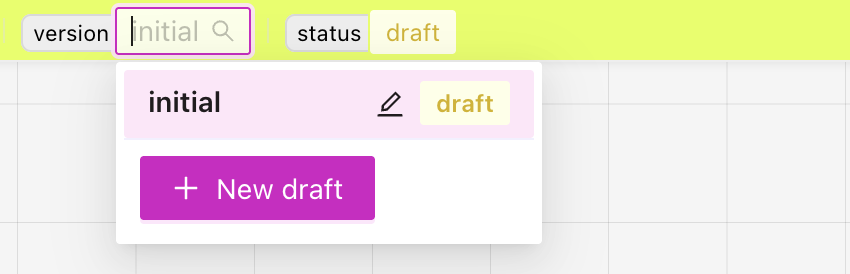
All new versions start as drafts, in this status you can make all the changes that you need.
When working alone, you can publish a version once you are happy with it, and then you will be able to create a new draft based on that published version.
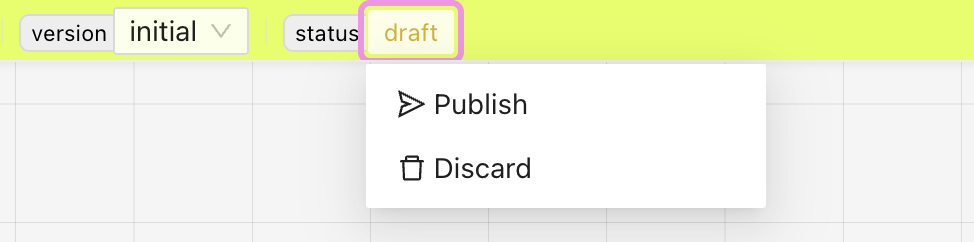
When collaborating with others, the changes can go through a review process where an admin needs to review the changes before being able to publish.