Creating a new project
Create a project
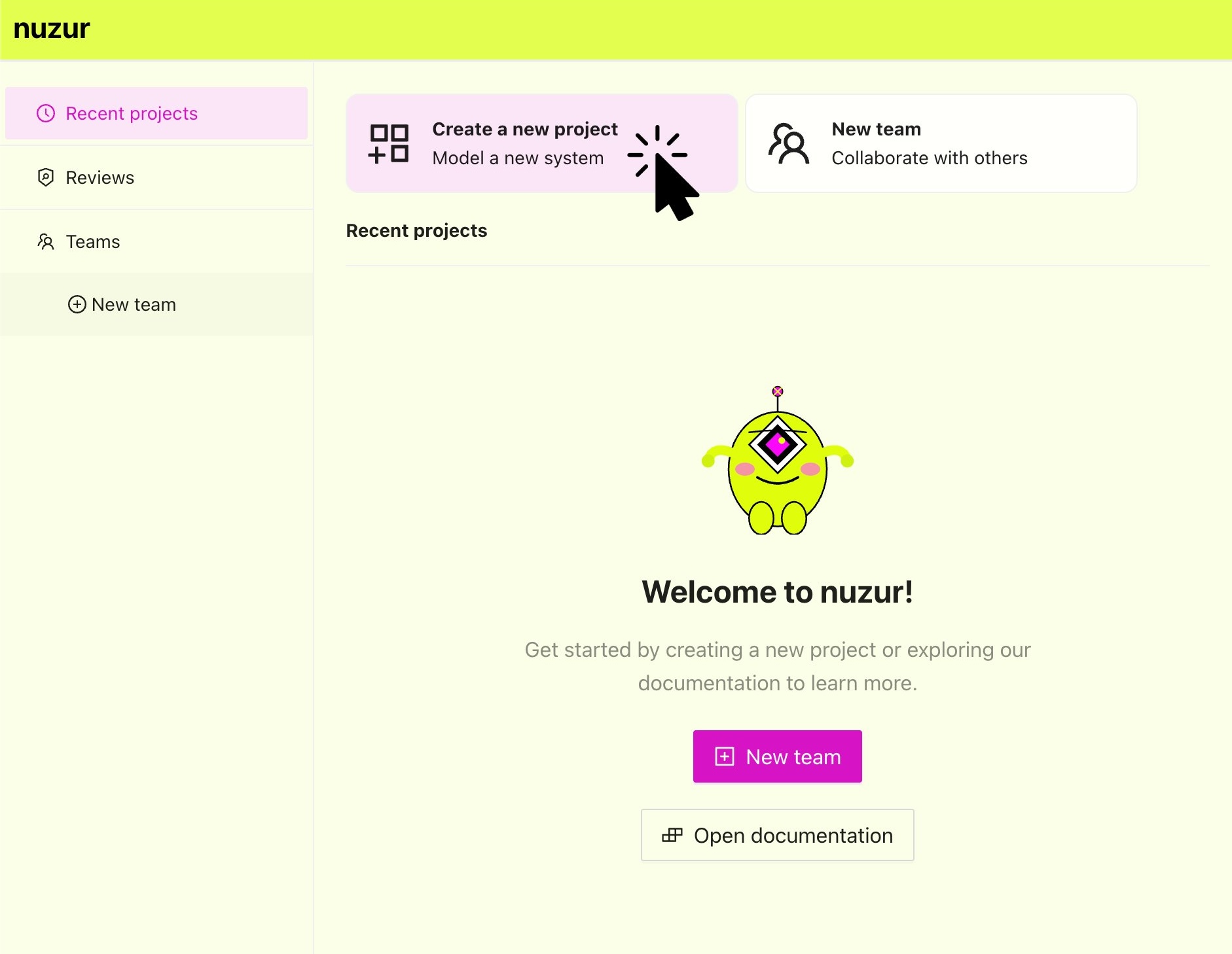
To create a new project in nuzur, go to app.nuzur.com in the home screen right at top and click on the button "Create a new project"
Fill in the form, start by selecting a team for your project (a team called "Personal" is created by default), assign a name to your project and the other optional metadata will help identify your project by others.
Lastly make sure to define the access type:
- Custom: By selecting custom only the users specified manually by you will have access to the project
- Inherit from team: By selecting inherit from team, all users that are part of the team will automatically have access to the project, with the same role they have at the team level.
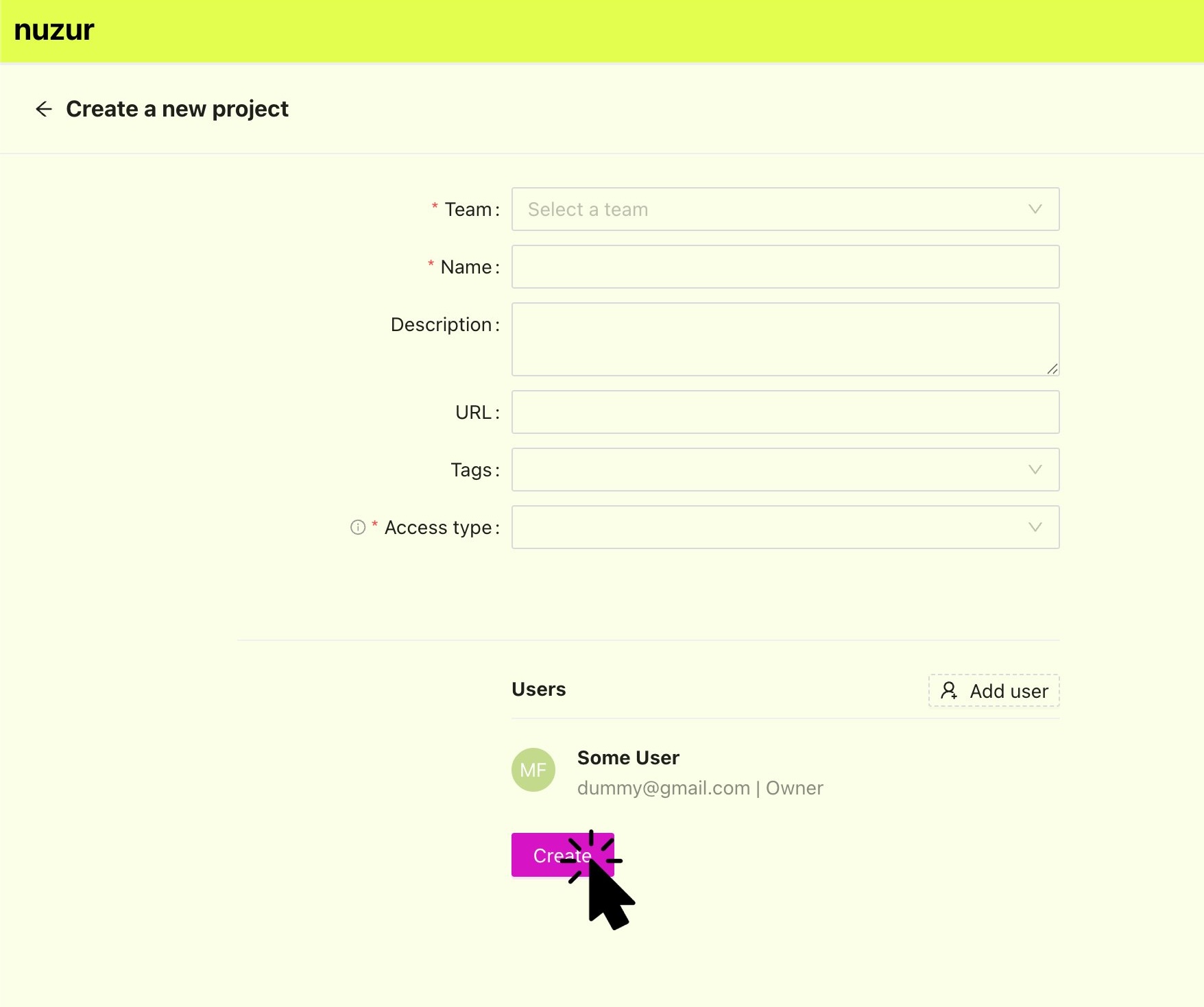
Complete the team creation by clicking on the "Create" button, if successful you will redirected to the project editor.