Editor extensions overview
Extensions
Extensions are available in the model editor. They provide useful functionality based on the model, extensions can either make changes externally based on the model, import remote changes or generate code.
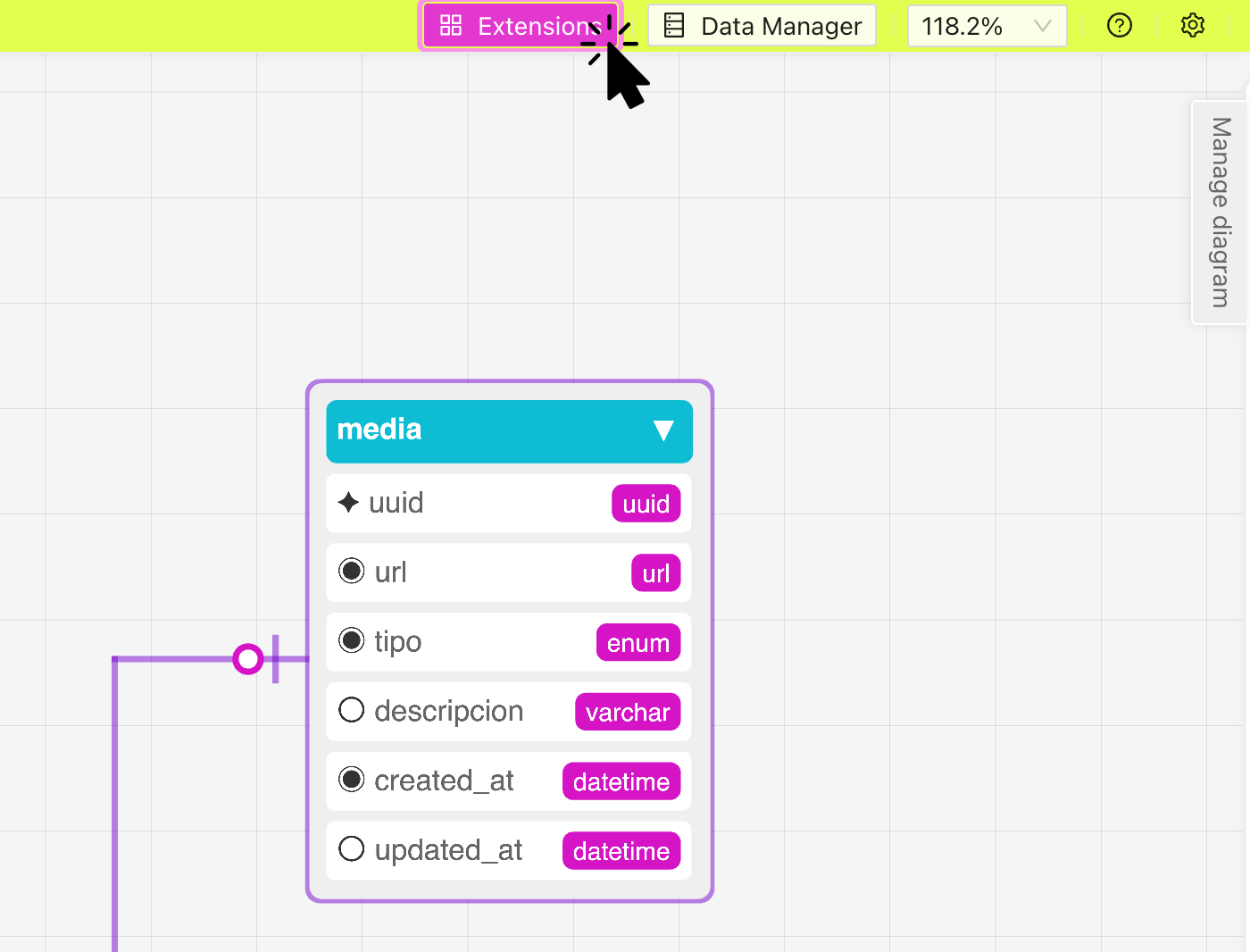
To access extensions click on the "Extensions" button located in the navigation bar on the right. This will display a panel with all the available extensions to use.
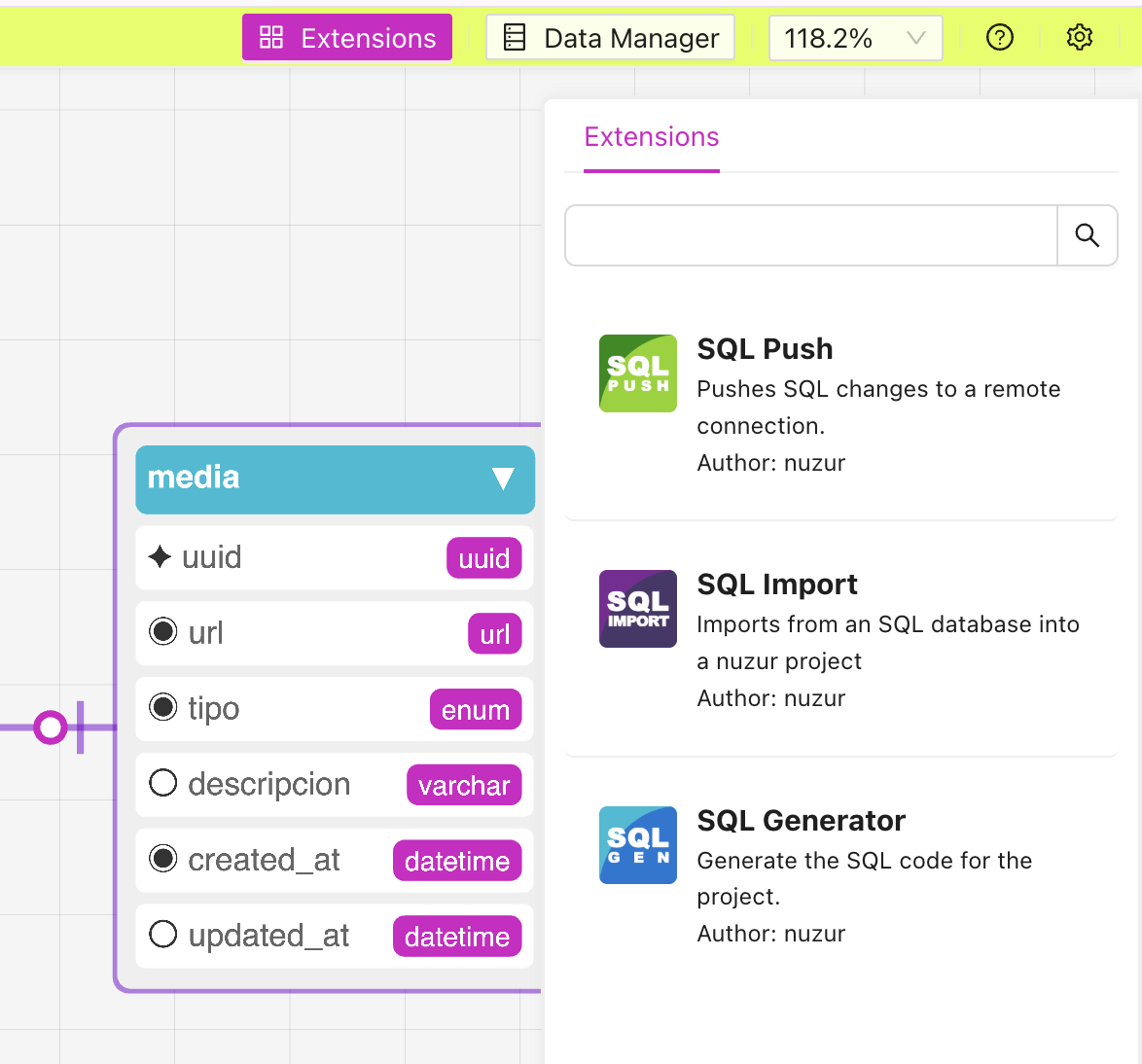
Click on the extension that you are interested in and a modal will appear with the next steps.