Data Manager overview
Data Manager
The data manager allows you to visualize, and/or edit your data (depending on the permissions you have).
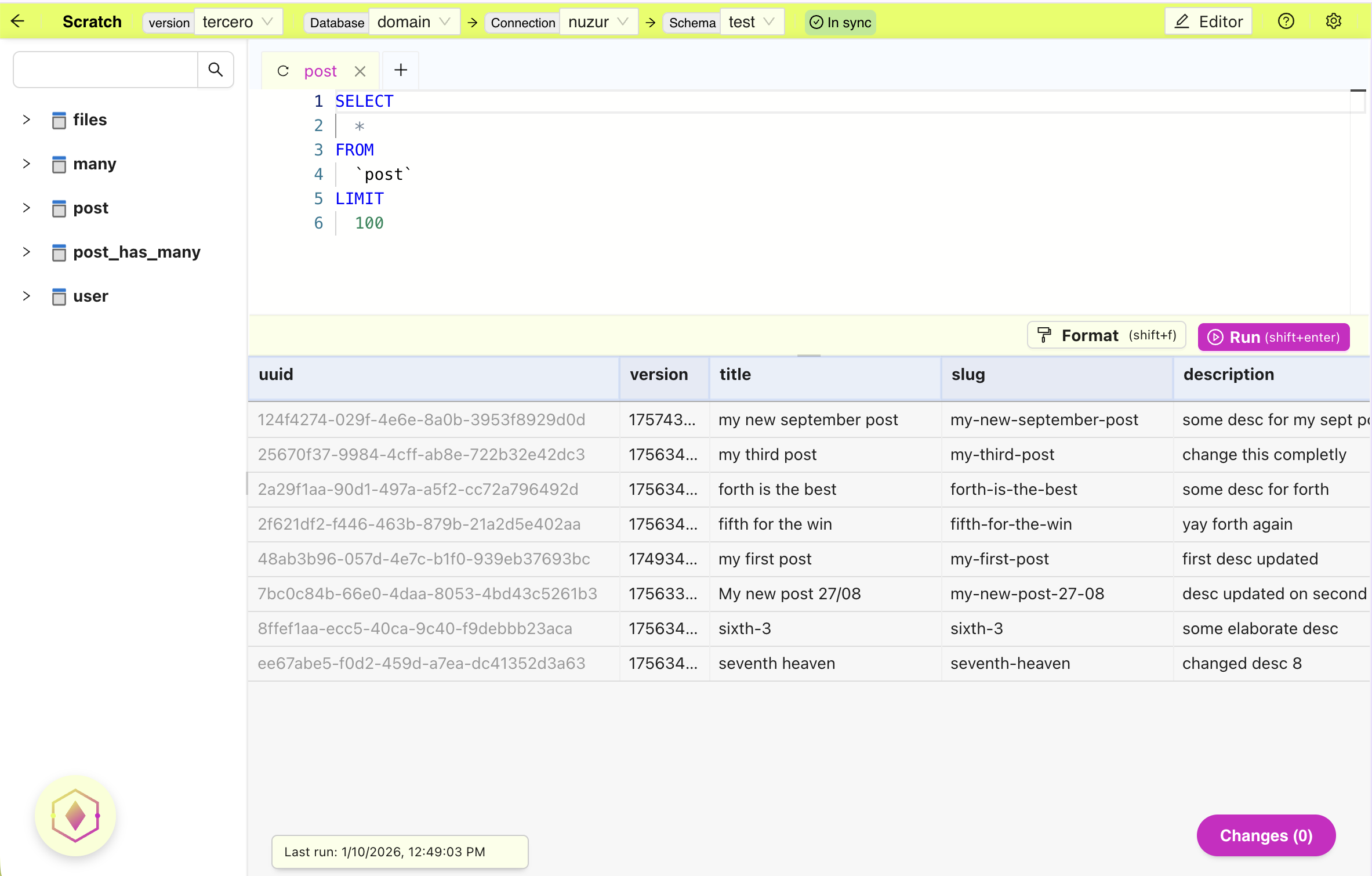
- The navigation bar at top, display the model version, as well as the connection details
- Right after the connection details you will see sync status indicator, it will let you know if the model is in sync with the remove schema.
- The left panel list all the entities defined in the selected model version
- The top panel is the query editor
- The bottom panel display the data (if any)
- The data of the last query is shown at the bottom
- At the bottom right corner, you will see the current changes that have been made
- Click on the button will display the details of every change
- At the bottom left corner is the query assistant (available only for PRO users)